A TV app can’t please everyone. What one person sees as a perfectly tidy home screen, another finds empty. Every decision is a balance between technology, possibilities and taste.
An evening of TV starts with a decision: watch live, continue something, pull up an older show from Replay or resume a recording. Behind each choice there is a need. How quickly it is met depends on decisions made in UX design long before: which paths exist at all, how many steps they take and what is shown first.
Different viewers, different paths
Those who know exactly what they want take the direct route. Search finds shows and channels. Those who know the channel go via the channel selection on Home or straight into the player.
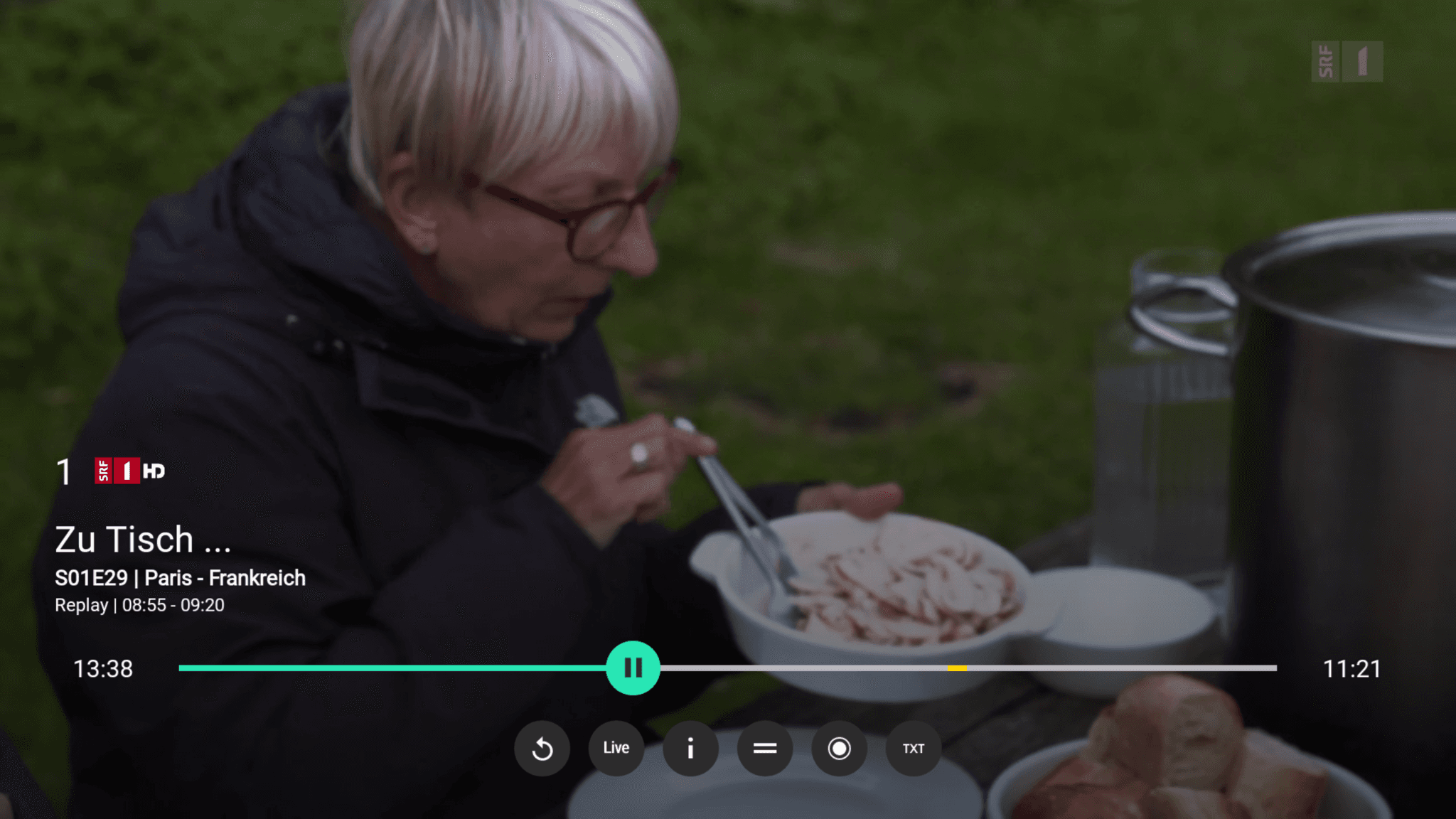
Those who want to see what’s on right now are the classic live viewers. For them there is «Now on TV», as a row on Home and as a dedicated view of the current programme. In the player they use the Quick Zapper. And anyone who knows their channel number by heart simply types it in.
Those who want to pick up where they left off rely on the bookmark. It remembers the position not only in Replay but also in recordings. On Home, «Continue watching» takes them straight back there.
Those who want to browse have no goal and don’t need one. Home makes suggestions. The Replay gallery shows curated highlights from prime time or can be filtered by genre. The TV Guide has everything, both in the future and in the past.
These four types are a simplification. Nobody belongs exclusively to one of them, and other factors play a role too: age shapes how naturally someone uses a remote with lots of buttons. Background influences which channels are searched for and in which language. Technical know-how determines whether features such as bookmarks or filters are discovered at all.
Device differences and their pitfalls
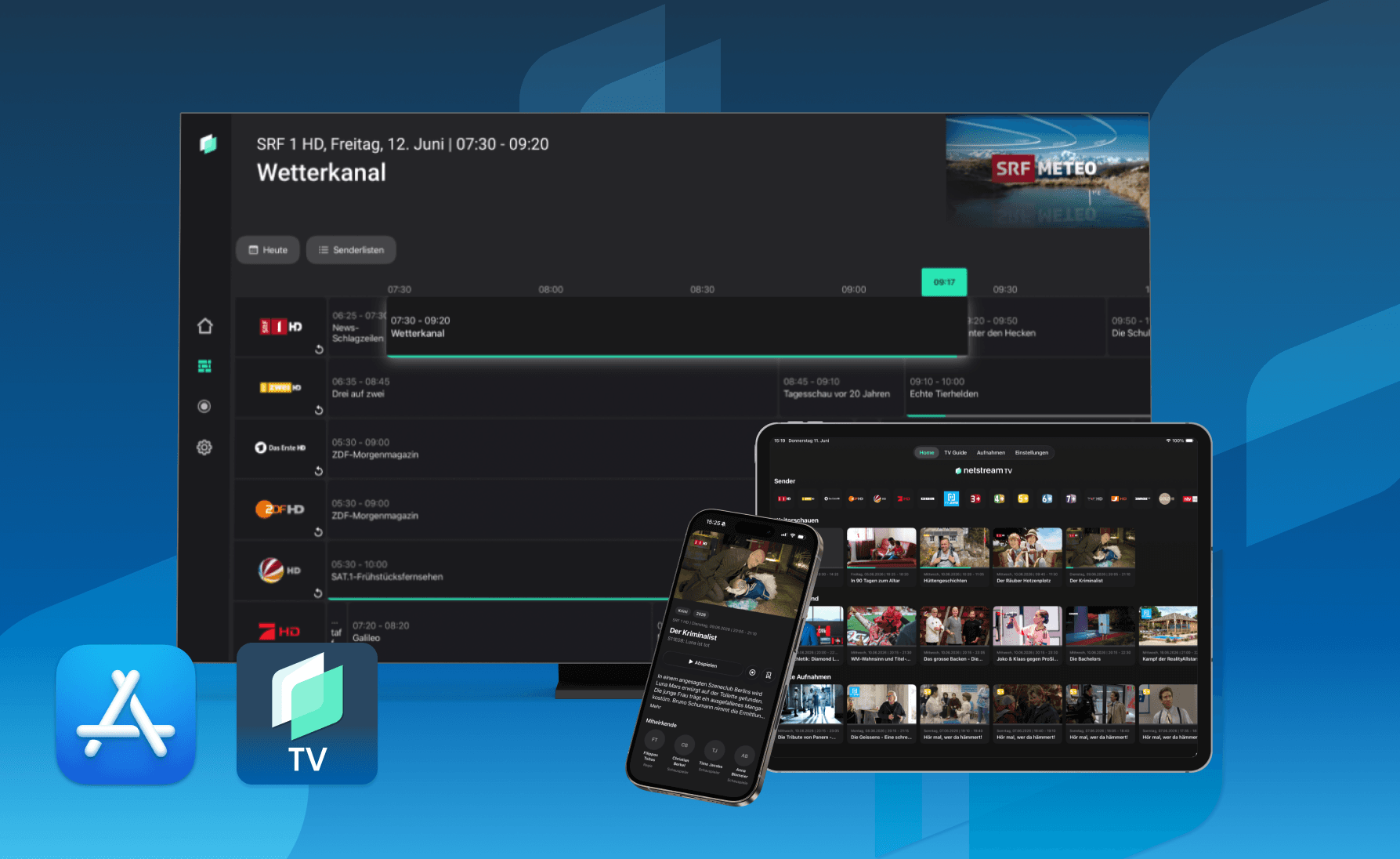
Netstream TV currently runs on Android TV, tvOS, iOS, Android Mobile and in the browser. Since operating systems and devices have different controls, «exactly the same» is rarely possible or sensible.
The remote shows this most clearly. Android TV comes with a full one, number pad and all. The Apple side gets by with just a few controls. Direct channel selection by number is therefore only available where there are numbers.
On phones and tablets you tap directly with your finger, on the web you have a mouse. That allows more leeway than a simple remote.
What we are working on to make finding things even easier
We are currently building a new recommendation engine so that viewers get to similar content faster and receive suggestions that match their viewing behaviour.
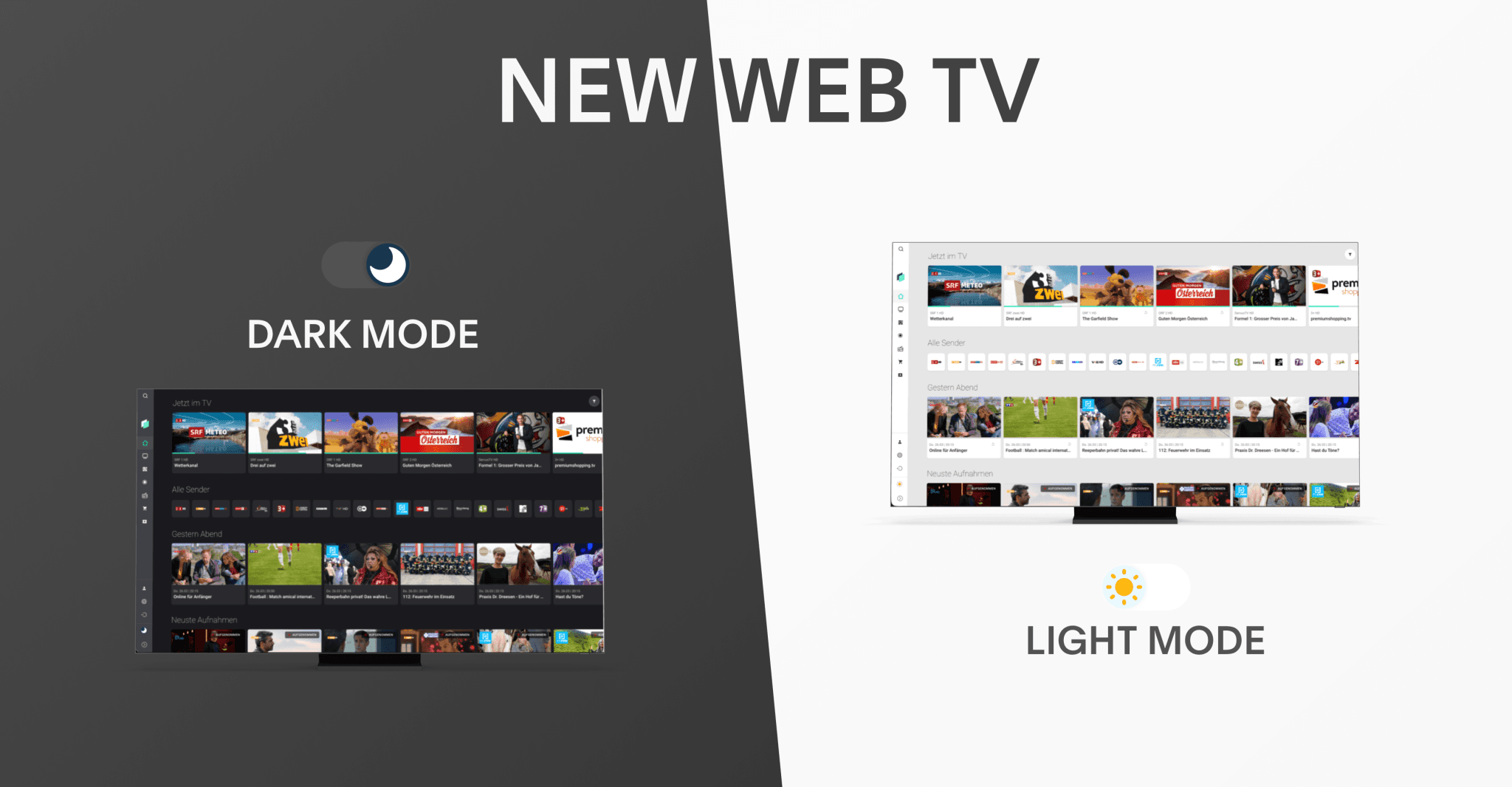
On top of that comes the personalisation of Home. In the browser, you can already put together your own home screen today; the other apps will follow. Also planned are «Tonight» as a dedicated row on the TV, «Continue watching» in the browser and on mobile too, preview thumbnails when scrubbing and the mini guide on the TV. All the details on upcoming features are in our roadmap.
Our promise
Nothing pleases everyone. But every day we do our best to offer a fitting experience for every kind of viewing behaviour.
The easiest way is to see for yourself: request a test account and click through.