

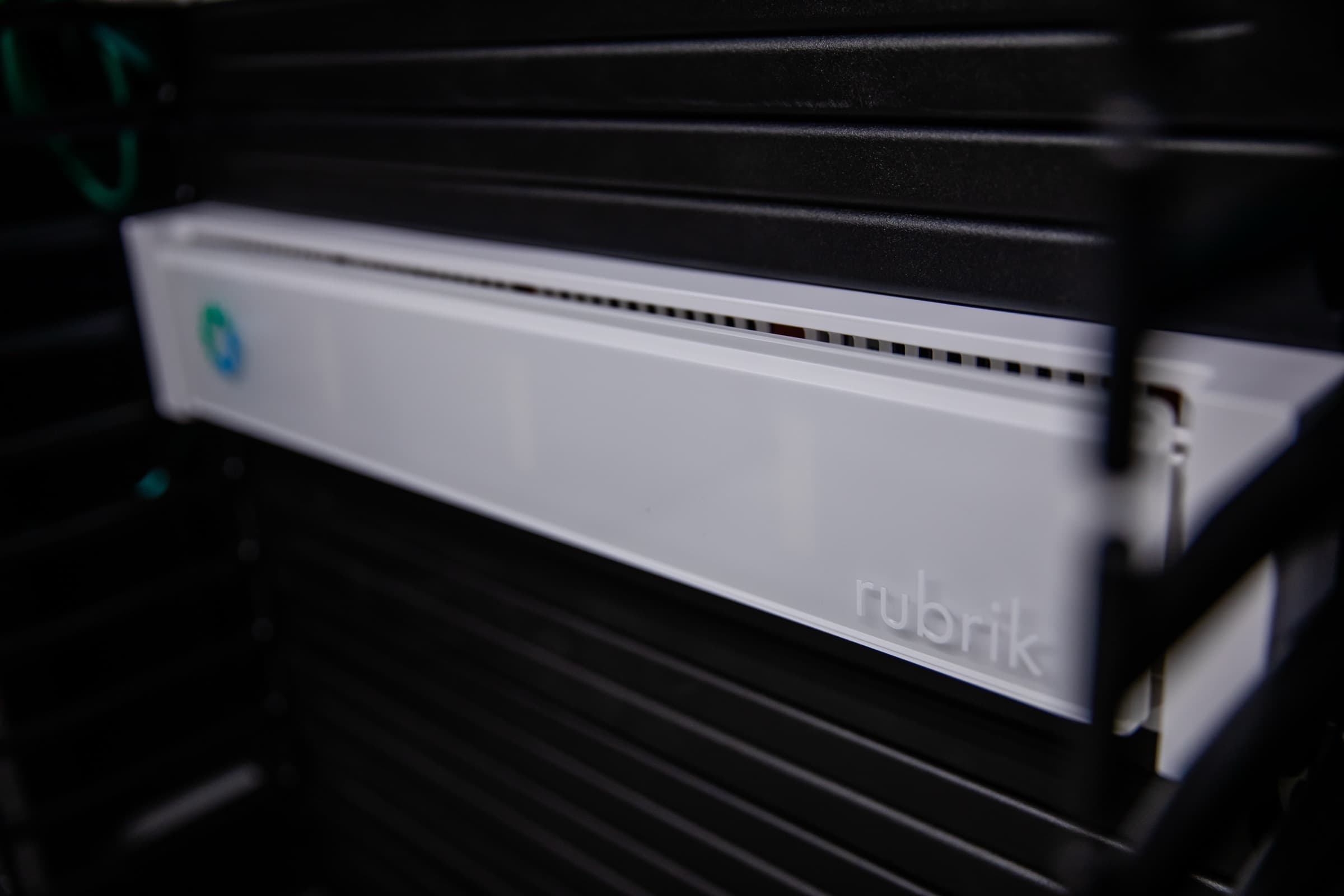
Server Backup
Back up servers, VMs and databases reliably
Back up physical servers, virtual machines and databases such as SQL Server or Exchange to the Swiss cloud from Netstream.

set up in minutes
A regular, automatic backup is ready within a few minutes.

everything in one solution
Manage servers, VMs and applications in one console.

protected against ransomware
Backups are encrypted and scanned for malware.

quickly restored
From a single record to the entire server.

simple redundancy
Your backups are stored separately from your environment in a second cloud.

stored in Switzerland
Your backups are stored in the Swiss cloud from Netstream.
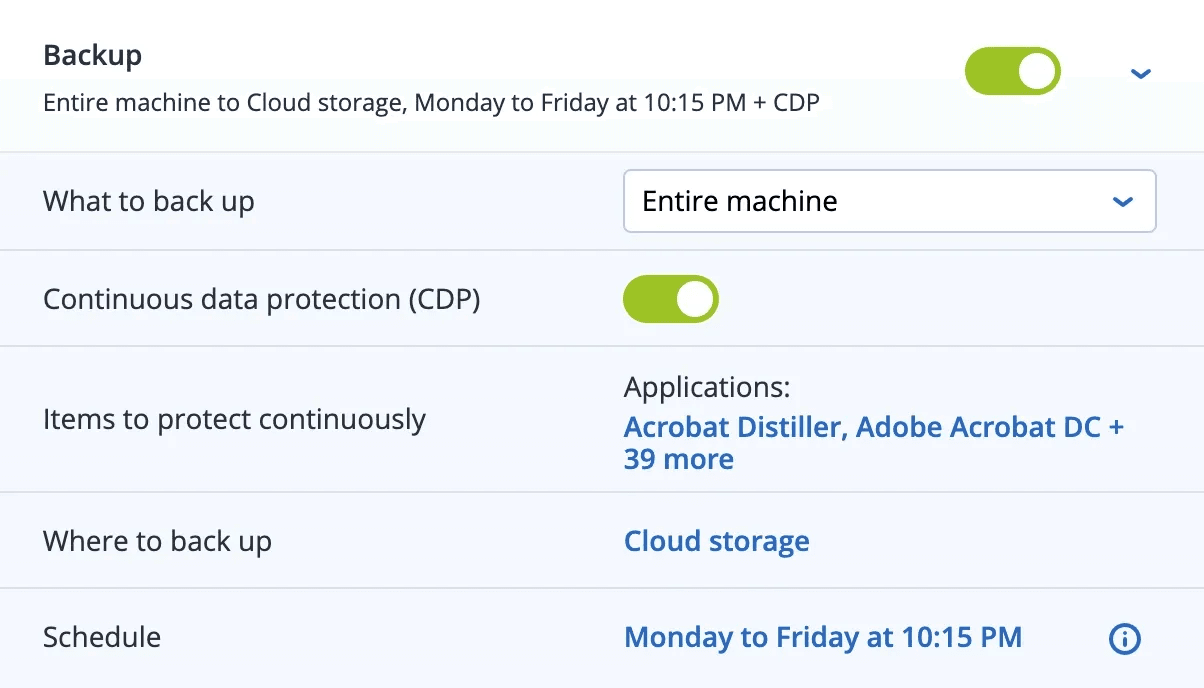
Technology by
Windows and Linux servers
Backup at hypervisor level
Databases and server applications
File and image backup
Continuous data protection (CDP)
“Any-to-any” recovery
Protection against ransomware
Encrypted with your password
Capture forensic data
Compatibility
Works with your systems.














Docs: Server Backup – Supported systems Docs: Hypervisor Backup – Supported systems
Recovery
How to get your data back.
A server fails. You restore it as a whole, on new hardware or as a VM.
- 1
Select a target
Replacement hardware or a VM on your hypervisor.
- 2
Restore the image
Operating system, applications and data come back in one step.
- 3
Back faster with CDP
Thanks to continuous data protection, changes to selected files since the last backup are not missing either.
Pricing
Larger storage bundles on request.
Even more security
Extend the protection of your servers in the same console.
You manage EDR, Email Security and Data Loss Prevention in the same console as the backup and add them when needed.

FAQ
Frequently asked questions
Which server systems and applications are supported?
Windows Server 2003 to 2025 (older versions only with an older agent) and Linux distributions such as RHEL, Rocky, AlmaLinux, Ubuntu, Debian, SLES and Fedora. In addition, applications such as SQL Server, Exchange, Active Directory, Oracle Database, SharePoint, SAP HANA and MySQL/MariaDB. For SQL Server, Exchange and Active Directory, Windows Server 2025 is not supported.
Docs: Server Backup – Supported systemsWhich hypervisors are supported?
Among others, VMware vSphere 4.1 to 9.0, Microsoft Hyper-V (Windows Server 2008 R2 to 2025), Citrix Hypervisor/XenServer, Red Hat Virtualization/oVirt/KVM, Proxmox VE, Scale Computing HyperCore, Nutanix AOS, Virtuozzo and Oracle. Some systems, such as Free ESXi, Citrix, KVM without oVirt or older Proxmox versions, can only be backed up with an agent in the VM.
Docs: Hypervisor Backup – Supported systemsWhere is my backup data stored?
The backup data is stored in Netstream’s data centers in Switzerland and is encrypted with AES-256 and your own password.
Docs: Security Services service descriptionHow are the costs made up?
Server Backup is licensed per physical server or per VM, plus a storage package. The storage package is shared by all backups.
Go to the price calculatorCan I try the backup?
Yes, you can try the Security Services free of charge for 14 days.
Request a trialHow do I order additional licences or more storage?
In the Netstream Cloud Center under “Manage” and “Upgrade/downgrade options”. Upgrades are charged pro rata for the remaining term; downgrades are subject to the notice periods.
Docs: Security Service upgrade & downgradeWhat availability applies?
Unless otherwise agreed, our IT and cloud services have an availability of 99.9 % per calendar year. We report incidents on status.netstream.ch.
Docs: Availability of our servicesWhat happens to my data when the contract ends?
Your data belongs to you. Back it up or export it before the contract ends. We then delete it within 30 days and confirm the deletion on request.
Docs: Data return and deletion at the end of the contract