

Workstation Backup
Back up your computers with ease
Back up your Windows and macOS computers to the Swiss cloud from Netstream.

set up in minutes
Your backup plan is ready within minutes.

everything in one console
Manage all devices centrally in one place.

protected against ransomware
Integrated protection and encrypted backups.

easily restored
Restore to the original machine or to a replacement device.

backed up automatically
Backups run automatically according to the schedule of your backup plan.

stored in Switzerland
Your backups are stored in the Swiss cloud from Netstream.
Technology by
For Windows and macOS
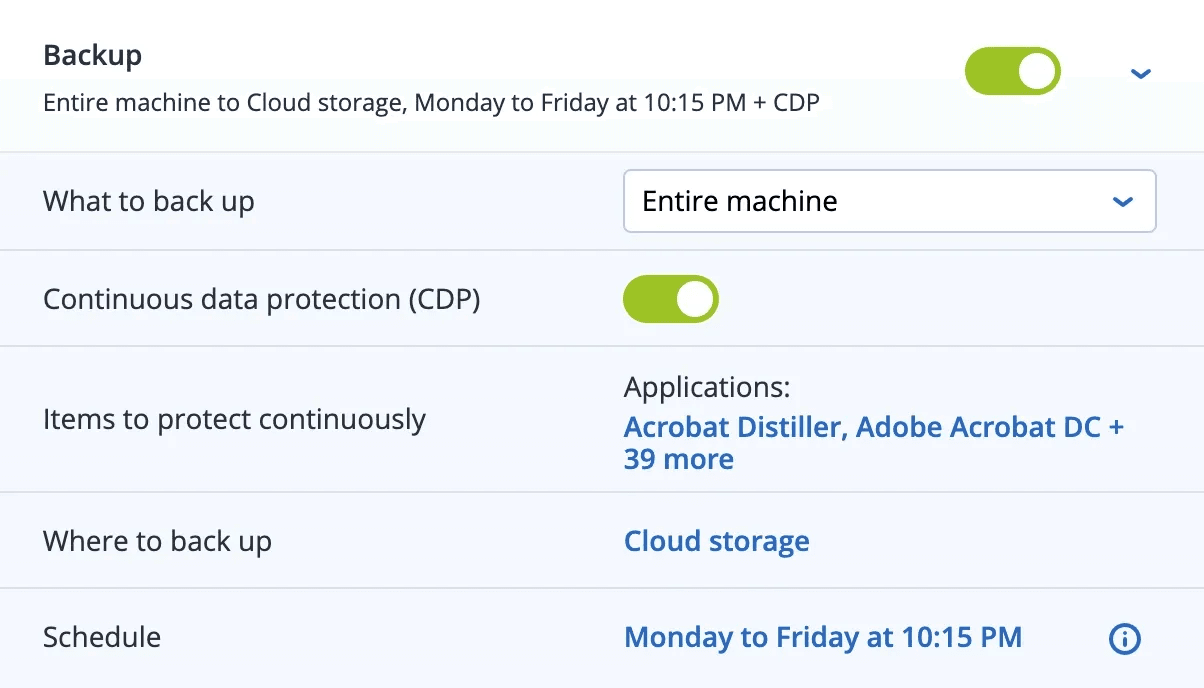
File and image backup
Continuous data protection (CDP)
Set frequency and time yourself
Restore to the original or a replacement device
Encrypted with your password
Protection against ransomware
Automatic email notifications
Recovery
How to get your data back.
A file has been deleted or overwritten. You retrieve it from an earlier backup without setting up the device again.
- 1
Select a backup
In the console, you select the device and the state you want to restore.
- 2
Find the file
You search for the file or folder in the backup.
- 3
Restore
The file returns to its original location or is downloaded.
Pricing
Larger storage bundles on request.
Even more security
Extend the protection of your devices in the same console.
You manage EDR, Email Security and Data Loss Prevention in the same console as the backup and add them when needed.

FAQ
Frequently asked questions
Which operating systems are supported?
Windows 11 in all editions (x64 and ARM64), Windows 10 from version 1809 and macOS Ventura 13 to Tahoe 26 on Intel and Apple Silicon. Older Windows versions back to Windows XP can be backed up with an older agent. Disk backups of Intel Macs cannot be restored to Apple Silicon Macs and vice versa.
Docs: Workstation Backup – Supported operating systemsWhere is my backup data stored?
The backup data is stored in Netstream’s data centers in Switzerland and is encrypted with AES-256 and your own password.
Docs: Security Services service descriptionHow are the costs made up?
Workstation Backup is licensed per device, plus a storage package. The storage package is shared by all backups.
Go to the price calculatorCan I try the backup?
Yes, you can try the Security Services free of charge for 14 days.
Request a trialHow do I order additional licences or more storage?
In the Netstream Cloud Center under “Manage” and “Upgrade/downgrade options”. Upgrades are charged pro rata for the remaining term; downgrades are subject to the notice periods.
Docs: Security Service upgrade & downgradeWhat availability applies?
Unless otherwise agreed, our IT and cloud services have an availability of 99.9 % per calendar year. We report incidents on status.netstream.ch.
Docs: Availability of our servicesWhat happens to my data when the contract ends?
Your data belongs to you. Back it up or export it before the contract ends. We then delete it within 30 days and confirm the deletion on request.
Docs: Data return and deletion at the end of the contract