


Object Storage
Swiss storage for your S3 applications
S3-compatible object storage for backups, archives and applications, in the Swiss cloud from Netstream.

S3-compatible
100% compatible with the S3 standard.

unlimited buckets and users
Create as many buckets and users as you need.

secure archiving solution
With Object Storage, you can archive your data in compliance with the law.

simple redundancy
A second copy of your data outside your premises.

stored in Switzerland
Your data is stored in the Swiss cloud from Netstream.

upload and download included
There are no additional costs for data transfer, not even for a restore.
Native S3 interface
You connect S3-capable applications such as backup and archiving solutions without code changes and without additional gateways.
Docs: Quickstart Object StorageObject Lock (WORM)
Object versions can be neither deleted nor overwritten during a defined period, in governance or compliance mode.
Your own access rights
You create users and keys with exactly the rights an application needs.
Docs: Object Storage IAMSimple web portal
You manage buckets, users and settings yourself in the Object Storage Console.
Docs: Quickstart Object StorageTriple redundancy
Each object is automatically written to three independent nodes. If a component fails, no data is lost.
Docs: Object Storage service descriptionCompatibility
Works with your existing solutions.







These and other S3-capable solutions.
Object Lock
Store data immutably.
With Object Lock (WORM, Write Once Read Many), objects can be neither deleted nor overwritten during a defined period. This protects backups against ransomware and accidental deletion and supports you with statutory retention obligations such as the Swiss FADP and the GDPR. Object Lock is one of the basic features and costs nothing extra.
Compliance mode
Objects remain immutable until the retention period expires. Not even the administrator can change this.
Governance mode
Only users with special permissions or the bucket owner can change or delete protected objects early.
Retention per bucket or object
You set the retention as the default on the bucket. Backup solutions such as Veeam set it directly per object.
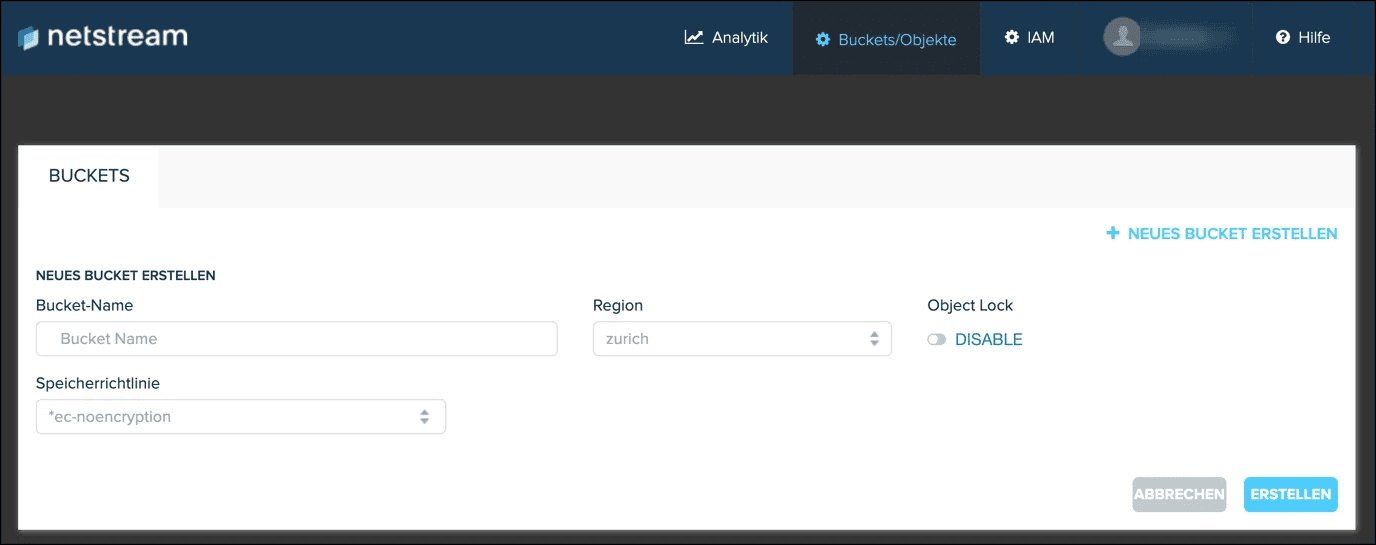
Enable on creation
You switch on Object Lock when creating the bucket. Versioning is enabled automatically.
Free 14-day trial
Try Object Storage free of charge and without obligation for 14 days.
Try Object Storage for 14 days without risk – no credit card required. After the trial period, you decide whether you would like to continue using the product (no automatic renewal).
Pricing
Larger storage packages and longer terms on request. Upload and download do not incur any additional cost.
FAQ
Frequently asked questions
What is Object Lock?
Object Lock is a feature of Object Storage that allows a user to mark objects within a bucket as immutable, i.e. they cannot be changed or deleted by any application or user during a retention period defined by the user.
Docs: Object LockWhat is the difference between governance mode and compliance mode?
In compliance mode, a protected file or object cannot be overwritten by a user or even by Netstream engineers. When an object is locked in compliance mode, its retention date cannot be shortened and it remains immutable until the end of the retention period.
In governance mode, only users with special permissions, such as the account’s root user, can reduce the retention settings. This allows you to grant special permission to some users when needed.
What does Object Lock cost?
Where is my data stored?
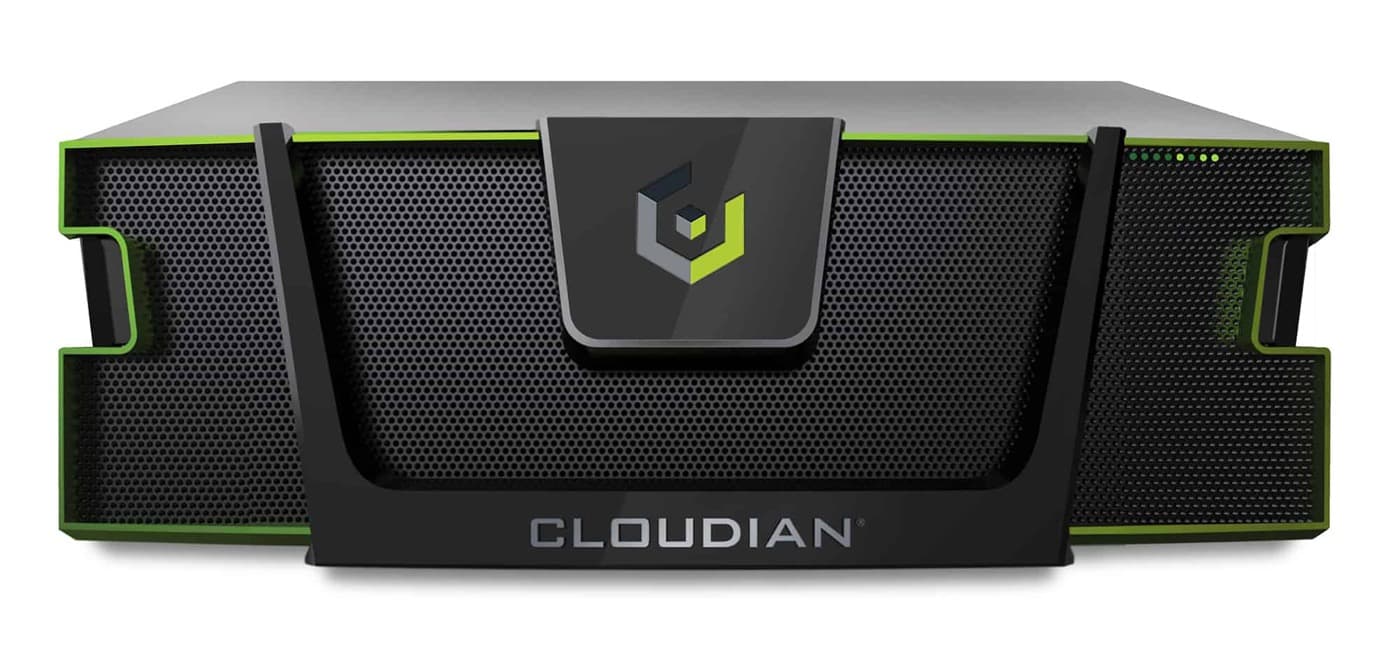
Object Storage is based on Cloudian HyperStore and runs as a managed service in our own data center in Dübendorf. Each object is written to three independent nodes. Transmission is encrypted with TLS 1.2 or higher. The stored data can be encrypted with AES-256 if you choose a storage policy with encryption for the bucket.
Docs: Object Storage service descriptionWhat do upload, download or a restore cost?
How much storage does the trial include?
You test Object Storage for 14 days with up to 1 TB of storage space.
Request a trialHow do I access the Object Storage Console?
In the Netstream Cloud Center, you will find your Object Storage account under “Services” and “My Services”. With “Login to Console” you access the Object Storage Console and configure your account there.
Docs: Quickstart Object Storage (S3)Can I give users restricted access?
Yes, with IAM users you define which user accesses which path with which rights, without using the root keys. New IAM users initially have no permissions and only receive rights for the S3 protocol, not for the web console.
Docs: Object Storage IAMWhat do I need to consider with Veeam?
Only use the storage policies optimised for Veeam (prefix rfxxx), not “ec-noencryption” or “ec-sse”. The article also contains recommendations on the storage optimisation settings in the backup job.
Docs: Veeam configuration for Object StorageHow do I cancel Object Storage?
You cancel in the Netstream Cloud Center. Without Object Lock, the data is deleted at the end of the month after a notice period of 30 days. With Object Lock enabled, data may remain stored beyond the cancellation and will be charged.
Docs: Cancelling Object StorageWhat availability applies?
Unless otherwise agreed, our IT and cloud services have an availability of 99.9 % per calendar year. We report incidents on status.netstream.ch.
Docs: Availability of our servicesWho is responsible for what?
Netstream operates the infrastructure, data center and platform. You are responsible for the configuration, your users and backing up your data.
Docs: Shared responsibility