


Endpoint Detection & Response
Detect attacks on devices earlier
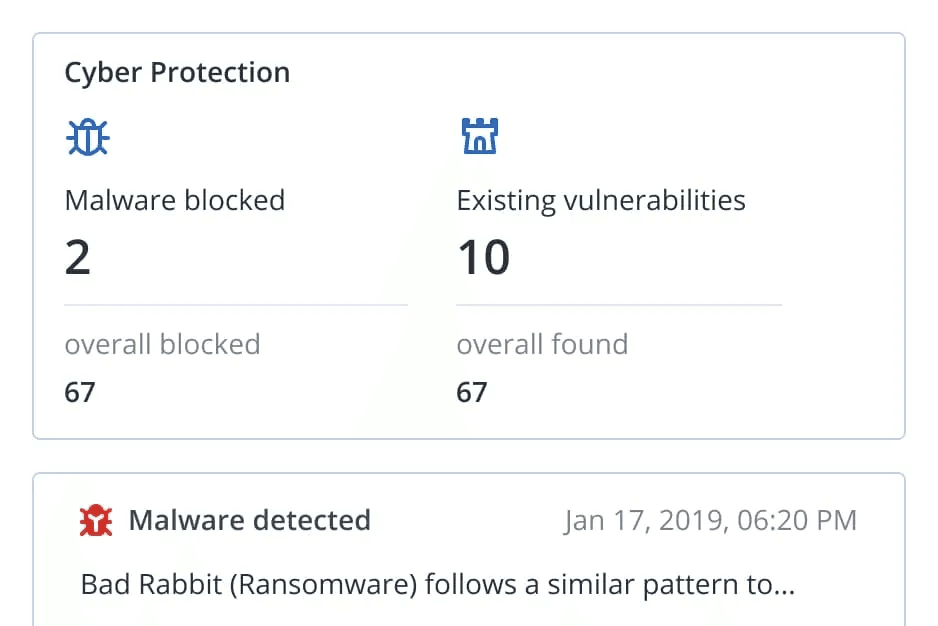
EDR detects viruses, malware and ransomware in real time so you can respond faster.
fend off ransomware
Detect encryption attempts and restore data.
browse more safely
Block malicious websites.
respond in a targeted way
Real-time alerts instead of searching after the fact.
know your gaps
Find vulnerabilities before attackers exploit them.
fend off exploits
Protect memory and processes against code injection.
secure collaboration
Include tools such as Teams, Zoom and Webex.


Technology by
Malware and ransomware protection
URL filtering
Threat alerts
Vulnerability assessment
Patch management
Exploit prevention
Protection for collaboration tools
Device management
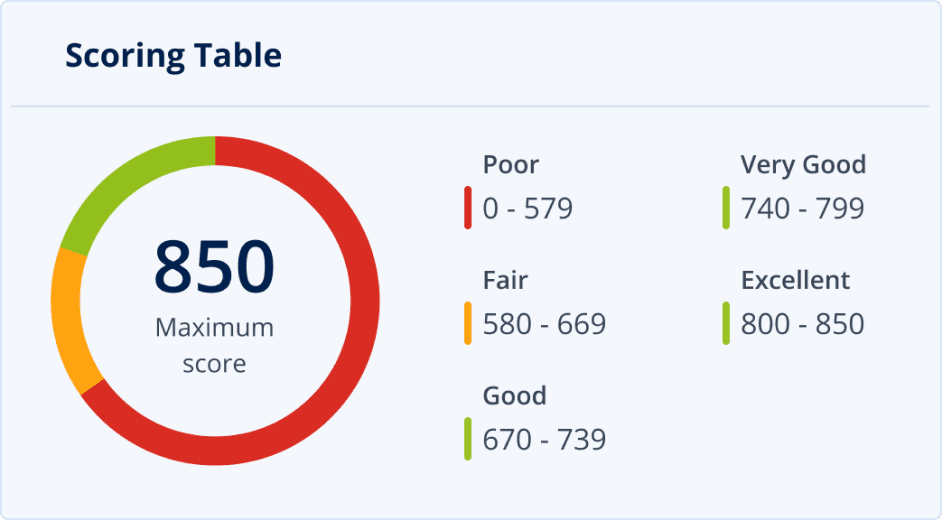
#CyberFit Score
Assess the security status of your devices.
The #CyberFit Score checks malware protection, firewall, VPN, encryption and backup on your devices, among other things, shows gaps and gives recommendations on how to close them.
Prices
FAQ
Frequently asked questions
Which systems are supported?
Windows from 7 SP1 and Windows Server from 2008 R2 (older versions only with an older agent), Windows on ARM, macOS 13 to 26 and Linux with AlmaLinux, Rocky Linux, Ubuntu, Debian, CloudLinux and CentOS 7. An Intel or AMD processor with SSE4.2 is required.
Docs: EDR: supported systemsWhat is EDR based on?
The technical basis of the Netstream Security Services is the Acronis Cyber Platform. A shared agent runs on your devices, and you set up backup and endpoint protection in the same console.
Docs: Security Services: service descriptionHow can I respond to an attack?
Is patch management included?
Does someone monitor incidents for me?
How do I change the number of licences?
In the Netstream Cloud Center, select “Manage” for the service and then “Upgrade/downgrade options”. We charge upgrades pro rata for the current contract term; for downgrades, the agreed notice periods apply.
Docs: Security Service: upgrade & downgrade