

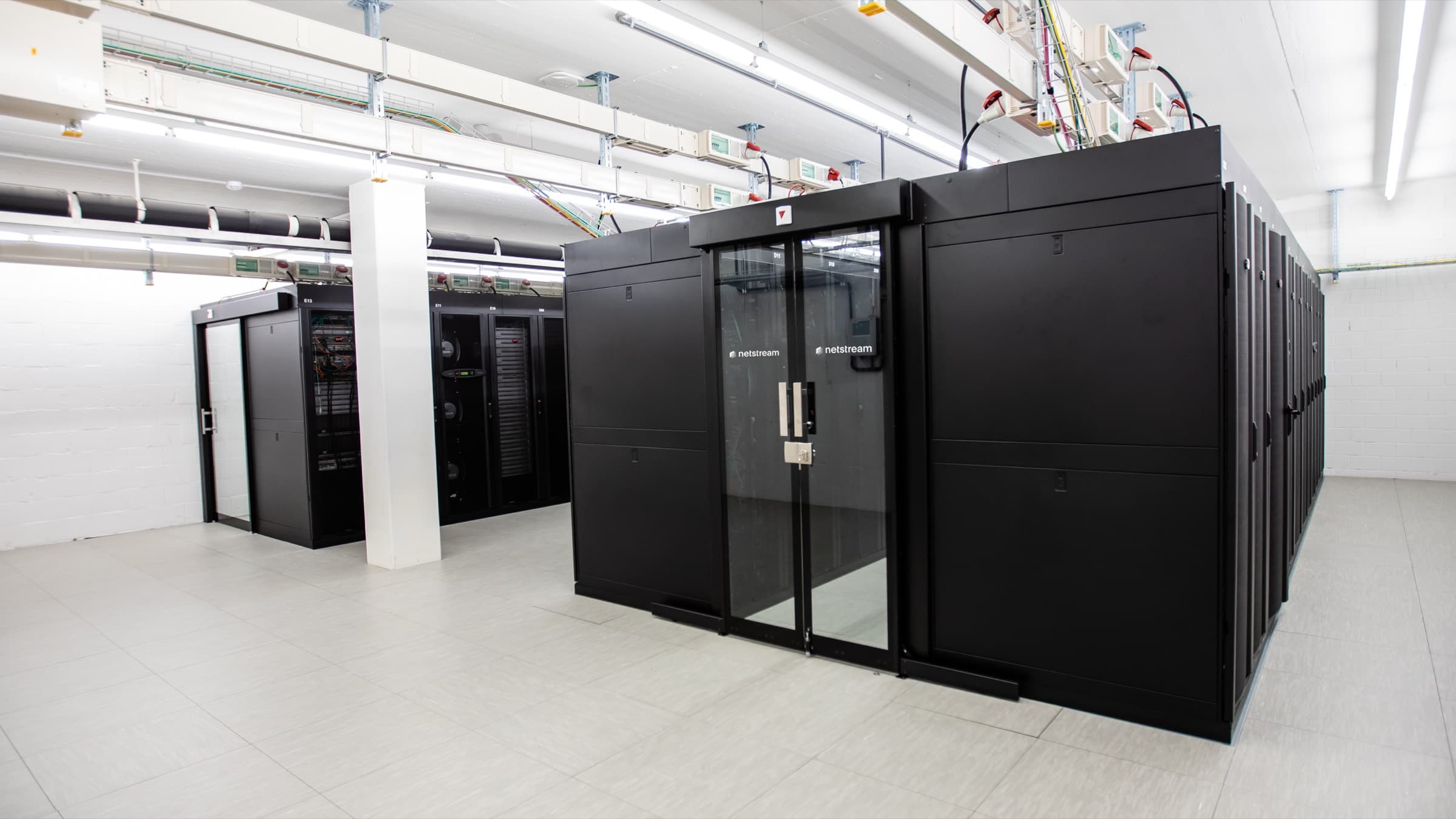
Compute
Simply virtualise your data center with Virtual Data Center
Create new VMs in minutes in the Swiss Netstream Cloud and adjust resources to your needs, in a shared or a dedicated environment.
simply powerful
Via the central platform, you set up, manage and analyse VMs with ease.
apps at the push of a button
Install various apps from the marketplace at the push of a button.
maximum availability
Benefit from maximum availability of your systems with the VDC.
simple redundancy
Protect yourself against possible outages with the Disaster Recovery add-ons.
multi-cloud ready
Stay flexible, including in the choice of your cloud location.
simple cost model
Simple and transparent pricing with a pay-as-you-go model.


Simple and versatile management
Workloads
Whether virtual machines (VMs), virtual appliances or entire vApps, your VDC provides them at the push of a button within seconds.
In addition, many other functions and configurations such as snapshot, cloning, moving, affinity rules, CPU, memory, network cards and more can be used and configured in the management console.
Operating systems
SSD storage
Depending on your needs, different storage policies (classes) are available for the VDC. The classes differ mainly in performance (measured in IOPS). From 500 (low) to 50’000 (ultra-high) IOPS, there is a suitable class for every workload.
In addition to the storage classes, the «Named Disk» function is also available. It can be attached as an independent disk to one or more VMs. This allows, for example, clusters to use a shared disk where this is a requirement.
Firewall, security and more
As standard, the VDC already includes an Edge Gateway (powered by NSX-V or NSX-T), which acts as a firewall between the public network and the VDC’s internal network and handles the security requirements.
The Edge Gateway also offers further functions:
- NAT (DNAT / SNAT)
- DHCP
- Routing
- VPN (client & site)
- Loadbalancer
All functions can be configured in real time via the web portal as required.
Network and connectivity
Connections both within and outside the VDC can be configured in a wide variety of ways.
Networks of the type «isolated & routed» can be created very easily. To build a virtual layer 3 architecture, you simply connect Edge Gateways.
Connections via MPLS, SD-WAN or physical fibre optic lines directly to your VDC are also possible.
Disaster Recovery
Netstream Workload Availability Service ensures the secure replication of your workloads and automated recovery.
To Disaster RecoverySimple migration
Move your productive workloads to the Netstream Cloud securely and predictably.
Use the Workload Availability Service for planned migrations to the Netstream Cloud.
- 1
Replicate
Your existing systems are replicated during live operation.
- 2
Test
The replicated systems are tested before anything is switched over.
- 3
Switch over
As soon as everything is ready, the switchover takes place in a controlled way, without data loss and without downtime.
Multi-cloud availability
One Virtual Data Center, three ways of deployment.
Run your VDC in the shared pool of the Public Cloud, on dedicated hardware in the Private Cloud or as an Edge Cloud at your site. Management stays the same everywhere.
- Public CloudIn the Netstream Public Cloud, you use resources from a shared pool - the alternative to hyperscalers.
- Private CloudNetstream Private Cloud provides a dedicated infrastructure (also called bare metal) - tailor-made.
- Edge CloudThe fully managed on-premises cloud at your site.


Easy to test
Start a test environment in minutes: 14 days free of charge.
- 128 GB RAM
- 32 CPU
- 500 GB storage
- No credit card
- No automatic renewal
Increase security
Backup & Recovery as an add-on to your Virtual Data Center.
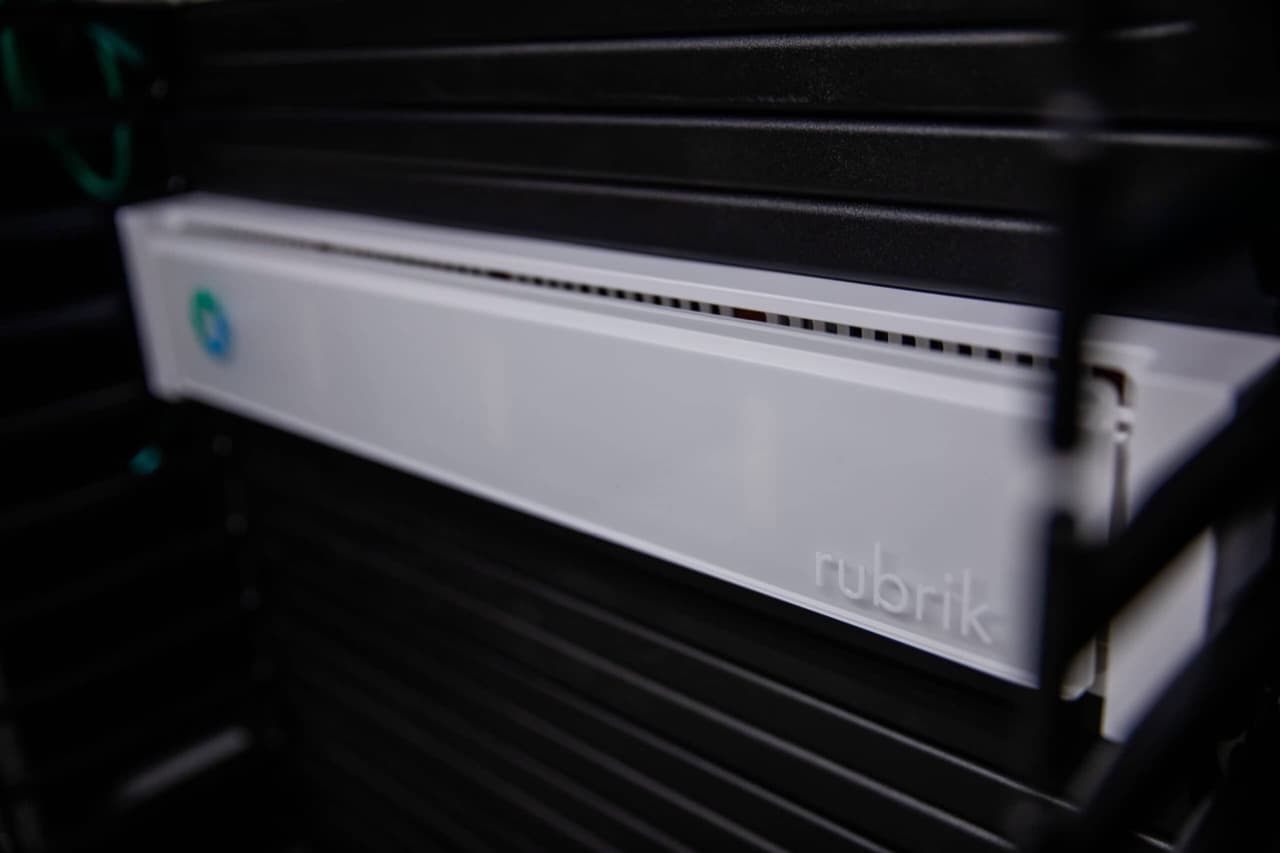
The integrated Rubrik backup system protects your data and restores it quickly in an emergency.
Technology by
Instant Recovery
Files are provided directly on the Rubrik appliance, even large volumes of data.
No external access
No external client can read or modify backup data. This gives malware no way to reach your backups.
Verified recovery
Rubrik checks the data for changes before it goes back into production.
Archive in Object Storage
Older backups are automatically moved to the S3-compatible Object Storage with geo-redundancy.
Calculate prices
FAQ
Frequently asked questions
Is there a free trial?
Yes, you can test the VDC free of charge for 14 days. The test environment is usually ready within a few minutes; outside office hours it may take longer.
You receive 128 GB RAM, 32 CPU and 500 GB storage. If you need more, contact cloud@netstream.ch.
What happens after the trial?
Shortly before it expires, you receive a reminder by email. If we do not hear from you, access is closed automatically. If you would like to extend or continue the trial, this is possible at any time.
We rely on trust instead of sales pressure and only get in touch if you wish.
I have a special use case. Is there an individual proof of concept?
Yes. For special requirements, we agree a proof of concept with you. Contact cloud@netstream.ch.
What availability applies?
Unless otherwise agreed, our IT and cloud services have an availability of 99.9 % per calendar year. We report incidents on status.netstream.ch.
Docs: Availability of our servicesWhat happens to my data when the contract ends?
Your data belongs to you. Back it up or export it before the contract ends. We then delete it within 30 days and confirm the deletion on request.
Docs: Data return and deletion at the end of the contractWho is responsible for what?
Netstream operates the infrastructure, data center and platform. You are responsible for the configuration, your users and backing up your data.
Docs: Shared responsibility