















Maximum availability
critical infrastructure - without compromise
already from
CHF
25.00
per VM and month
Reduce downtime
Ensure maximum availability of your business-critical systems – even in emergencies.
Outages can never be completely prevented – but their impact can. The crucial factor is how quickly systems are available again. Netstream Workload Availability Service ensures the secure replication of your workloads and automated recovery, so your processes continue to run smoothly in the event of a disaster.
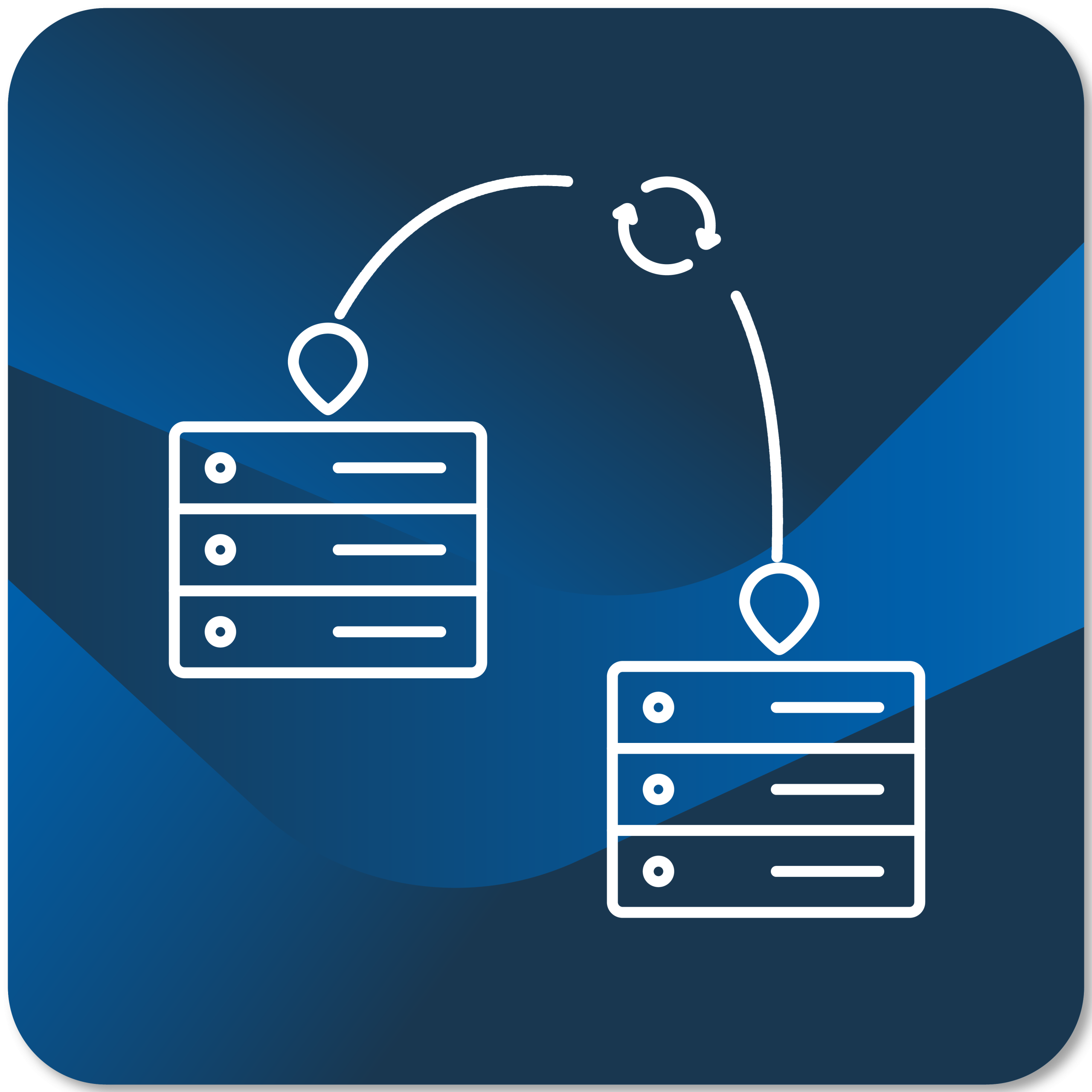
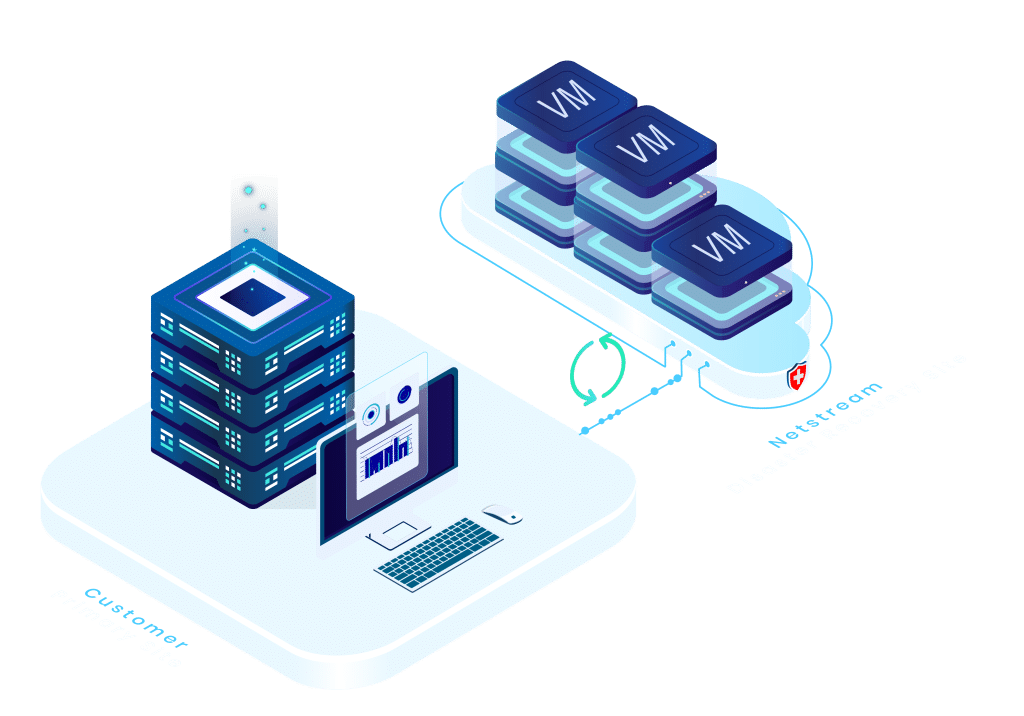
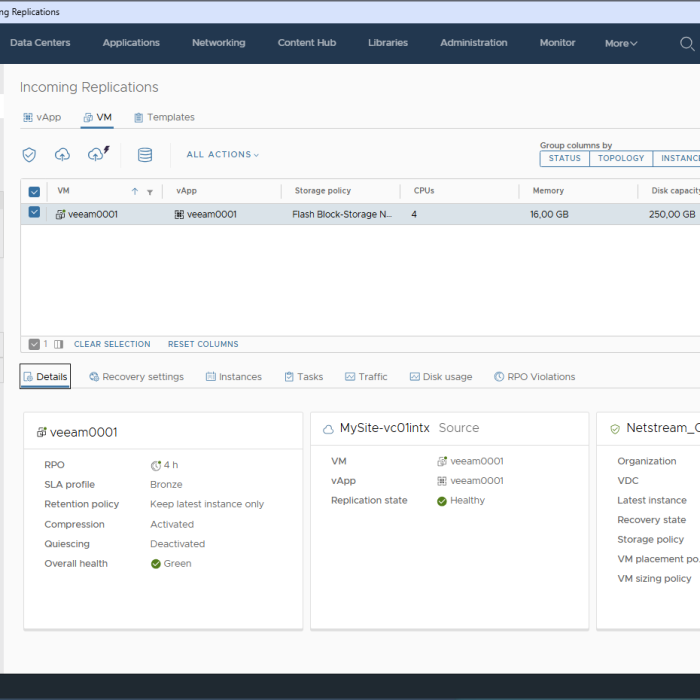
Their business-critical systems are continuously replicated to a second, geographically separate data center in Switzerland. This ensures that all data and resources are immediately available in an emergency – without manual intervention or loss of time.
In the event of a failure, entire systems can be automatically restored – including predefined restart sequences and dependencies. This ensures a controlled and traceable restart process.
Regular test scenarios verify your recovery processes – without impacting your production environment. The processes remain traceable, documented, and realistic.
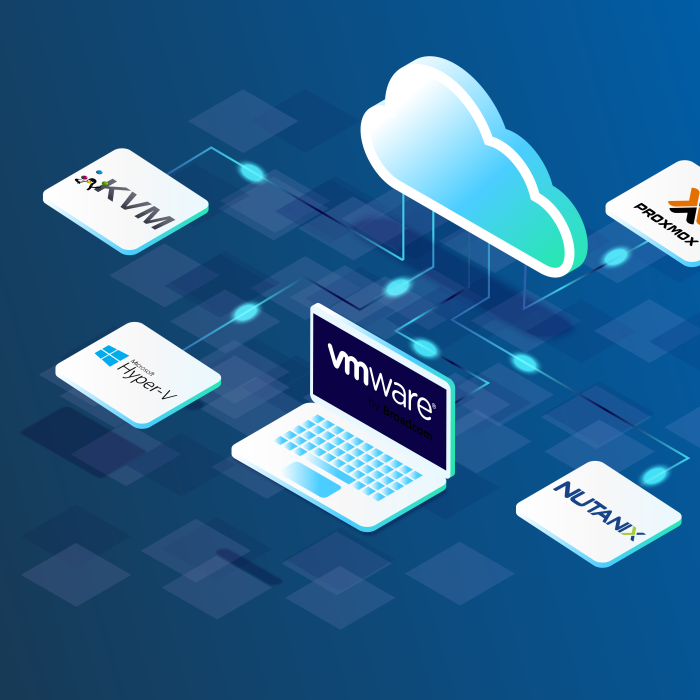
Our solution is based on VMware vSphere Replication and VMware Live Recovery. This makes it fully compatible with existing VMware environments – on-premises or in the Cloud.
All data and systems are operated in our own data centers in Switzerland – ISO/IEC 27001 certified, with redundant power supply, 100% solar power and maximum security.
Compatible with your existing VMware environment – on-prem or in the Cloud.
Rely on proven processes – for your compliance and security.
Automated recovery secures your systems – quickly and reliably.
Keep track of all workloads, processes, and recoveries at all times.
Perform recovery tests without risk or interruption of operations.
Pay only for what you really need – no hidden costs.
In an emergency, we will switch your workloads to our Cloudinfrastructure in a controlled manner – including network, access rules andag.
Depending on the scenario and configuration, the switchover can take place in a few minutes – with defined RTO/RPO targets.
Site Recovery automates the entire DRagprocess – from initial setup to ongoing administration. Thanks to its policy-based approach and deep integration with VMware Cloud Foundation, even large environments can be managed with just a few clicks.
With Cyber Recovery, you store snapshots in a highly secure VMwareCloudfile system. This ensures the integrity of your data is maintained even at the time of recovery – even in the event of targeted ransomware attacks. Additionally, VMs are isolated from each other during the restore process to prevent malware from spreading laterally.
In an emergency, every minute counts. The integrated orchestration workflows restore your systems in the correct order and according to defined rules – quickly, reliably, and without manual intervention.
You can conduct planned test runs without disrupting production. This way, you know your disaster recovery (DR) strategy will work in an emergency.
In standby mode, you only pay a flat fee per VM plus the required storageag. Additional costs for computing power and network access only arise in the event of a disaster, when your VM is actually started in the Cloud . This keeps your DR strategy cost-effective – without unnecessary upfront costs.
In active mode, VM resources also become a significant factor.
Disaster Recovery
More than just a Backup: Prepare specifically for outages.
Disaster recovery not only protects your data, but also keeps your business operational in an emergency. Unlike traditional Backupsolutions, Netstream allows for the orchestrated restoration of entire systems: fully automated, in the correct order, and without manual intervention.
Easy migration
Safely and predictably shift your productive workloads – without business interruption.
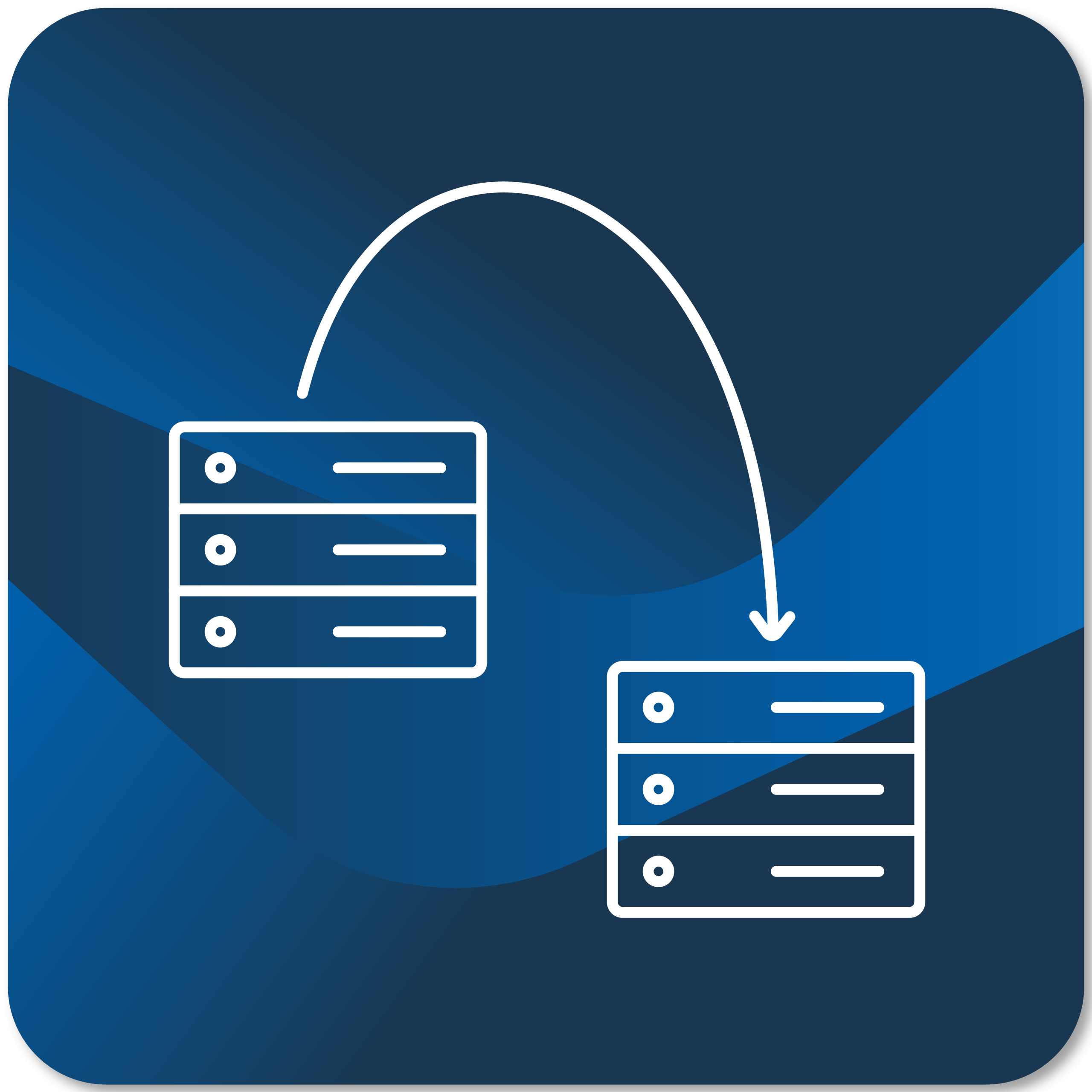
Use the Workload Availability Service for planned migrations to the Netstream Cloud. Your existing systems are replicated and tested while running. Once everything is ready, the switchover is controlled – without data loss and without production downtime.
Download the whitepaper for free
Five steps to a functioning disaster recovery strategy
Learn how to build a modern disaster recovery strategy – explained clearly, practical and tailored to your IT reality.
✔︎ 5-step guide
✔︎ With examples, checklists, and recommendations
✔︎ For IT managers, SMEs, and decision-makers
✔︎ Additional fillable template available for download
Price examples
How much does workload availability cost?
- Trust
- agagency
- Software development
Trust company with 10 employees and a digitized workflow on Abacus.
A short circuit has crippled the company's server. Access to accounting data, payroll, and the CRM system is blocked. The last Backup was created the evening before.
Server configuration
-
7 virtual machines
-
38 vCPU
-
140 GB RAM
-
3.5 TB data volume
-
100 GB daily changes
without disaster recovery
During the recovery process, no cases can be processed, and billing and payments will be delayed. Access to documents is interrupted, and email communication is restricted.
- Productivity loss: 3 daysag10 employees × CHF 800 = CHF 24,000
- IT emergency response and data recovery = CHF 5,000
- Missed tax deadlines = CHF 12,000
- Reputational damage and loss of trust
with disaster recovery
All seven VMs are critical and are regularly replicated to the Netstream Cloud while in standby mode. The customer starts the necessary servers in the Cloud within minutes and simply continues working. The VMs in the Netstream Cloud remain active until the damage has been completely resolved.
Advertisingagwith 30 employees and virtualized desktop infrastructure.
A fault in the GPU node's RAID controller caused the failure of both remote desktop VMs and the Digital Asset ManagementagDAM) system. The remaining systems continued to run, but access to creative data, central layouts, and production environments was severely restricted.
Server configuration
-
12 virtual machines
-
86 vCPU
-
340 GB RAM
-
15 TB data volume
-
600 GB daily changes
without disaster recovery
Employees can partially switch to local workstations, but they have no access to central data and their ability to continue working is limited. Customer communication is delayed, and approvals and pitches are postponed.
- Productivity loss: 3 daysag30 employees × CHF 700 × 60% = CHF 37,800
- Spare part & technician for RAID controller repair = CHF 5,000
- Project delays, reputational damage and customer reactions = CHF 10,000
with disaster recovery
The 8 most critical VMs (RDS, DAM, file & database servers) are replicated to the Netstream Cloud using DR and can be activated within minutes. During the activated period, the VMs require standard Cloud resources.
Software development company with clusters, containers, databases and messagingag.
An automated rolling update of the Kubernetes nodes fails. This results in a configuration error in the cluster, which the entire microservices ecosystem .
Server configuration
-
90 virtual machines
-
1016 vCPU
-
4656 GB RAM
-
20 TB data volume
-
2.5 TB daily changes
without disaster recovery
Customer portals, APIs, internal applications, and access to production systems are interrupted for threeag. Support and development are also severely limited, as CRM, CI/CD, and monitoring are unavailable.
- Productivity loss: 3ag× 60 employees × CHF 750 × 70% = CHF 94,500
- Customer impact, SLA violations, lost API availability = CHF 20,000
- Restoration costs including external specialists = CHF 10,000
with disaster recovery
The 42 business-critical systems – including Kubernetes nodes, microservices, databases, API gateways, CRM, customer portals, and CI/CD – are continuously replicated to the Netstream Cloud in standby mode. In case of emergency, they can be activated within a short time.
Platform-independent cold migration to the Cloud
The reasons for migrating to the Cloud vary: rising operating costs, new security requirements, or greater flexibility. Especially with complex system landscapes, a planned and controlledagis crucial. Those who migrate systems...
Migration scenario without business interruption
Many companies start with a data backup and shortly thereafter run their systems productively in the Cloud. This allows for a phased migration that is controlled, secure, and without unnecessary effort. The...

Assessing criticality: Theagfor your disaster recovery strategy
Assess the criticality of your IT systems consistently, instead of relying on gut feeling. We'll show you a simple yet proven method that will ensure you never fail at assessment. If...
VMware licensing change 2025: Broadcom increases minimum requirements
Since Broadcom's acquisition of VMware, one change has followed another. Many companies are less than enthusiastic about this, especially smaller IT environments and service providers...

Hybrid financing models for the Cloud: CAPEX vs. OPEX
In today's dynamic IT landscape, companies face the challenge of efficiently financing their Cloudresources. Traditionally, they have opted for on-premises infrastructure due to capital expenditures (CAPEX) and...

Human error as a cause of IT disruptions
Hardware failures, software problems, and ransomware are well-known causes of disruptions and outages in IT. However, human error is also an unavoidable part of IT departments and is...

High availability for business-critical databases
Hardly any company can operate without databasesagdays. A disaster or a logical error affecting database availability can lead to data loss and reduce productivity...

How to create a Disaster Recovery Plan (DRP)
A Disaster Recovery Plan (DRP) is a critical process for any company or organization to ensure that, in the event of a failure or disruption of the IT infrastructure or other business-critical systems...


